CONSTRUCTION UTILITY · BC-02
ALL-IN-ONE CONSTRUCTION CALCULATOR
BrickCal

com.bobobox.brickcal
Construction calculators built for the jobsite.
Construction calculators, jobsite tools, projects, and PDF reports.
- 60+
- construction calculators and jobsite tools 01
- quotes and structured reports 02
- Saved
- projects, calculations, and history 03
- Metric + imperial
- measurement systems 04
FIELD WORKFLOW · 01—05
From first measurement to a shareable quote.
Five production App Store screens show how BrickCal supports the work around a calculation—not only the final number.
-
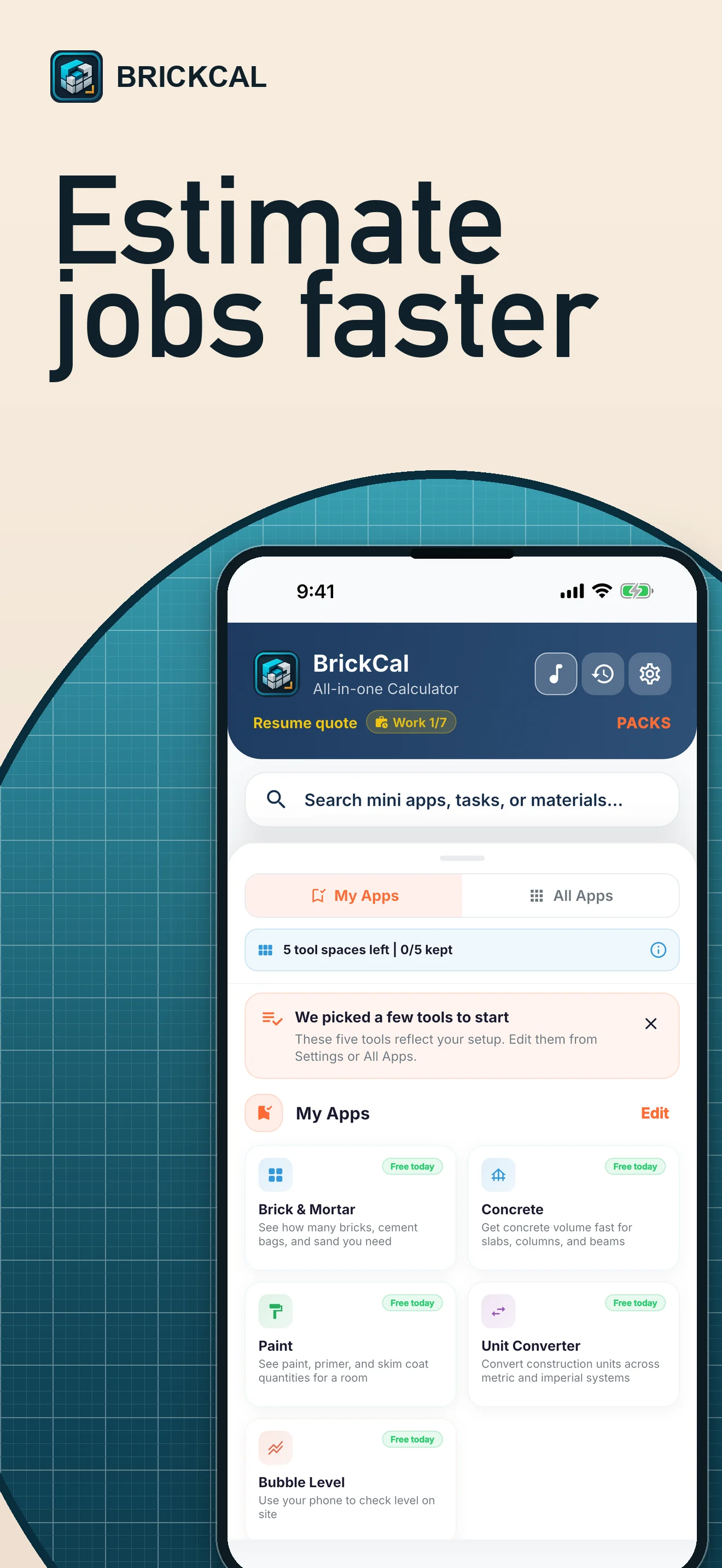
PLATE 01 · Estimate
Start with the job in front of you.
Open the calculator you need and move from measurements to a usable estimate without rebuilding the same setup every time.
Estimate · BrickCal for iPhone -
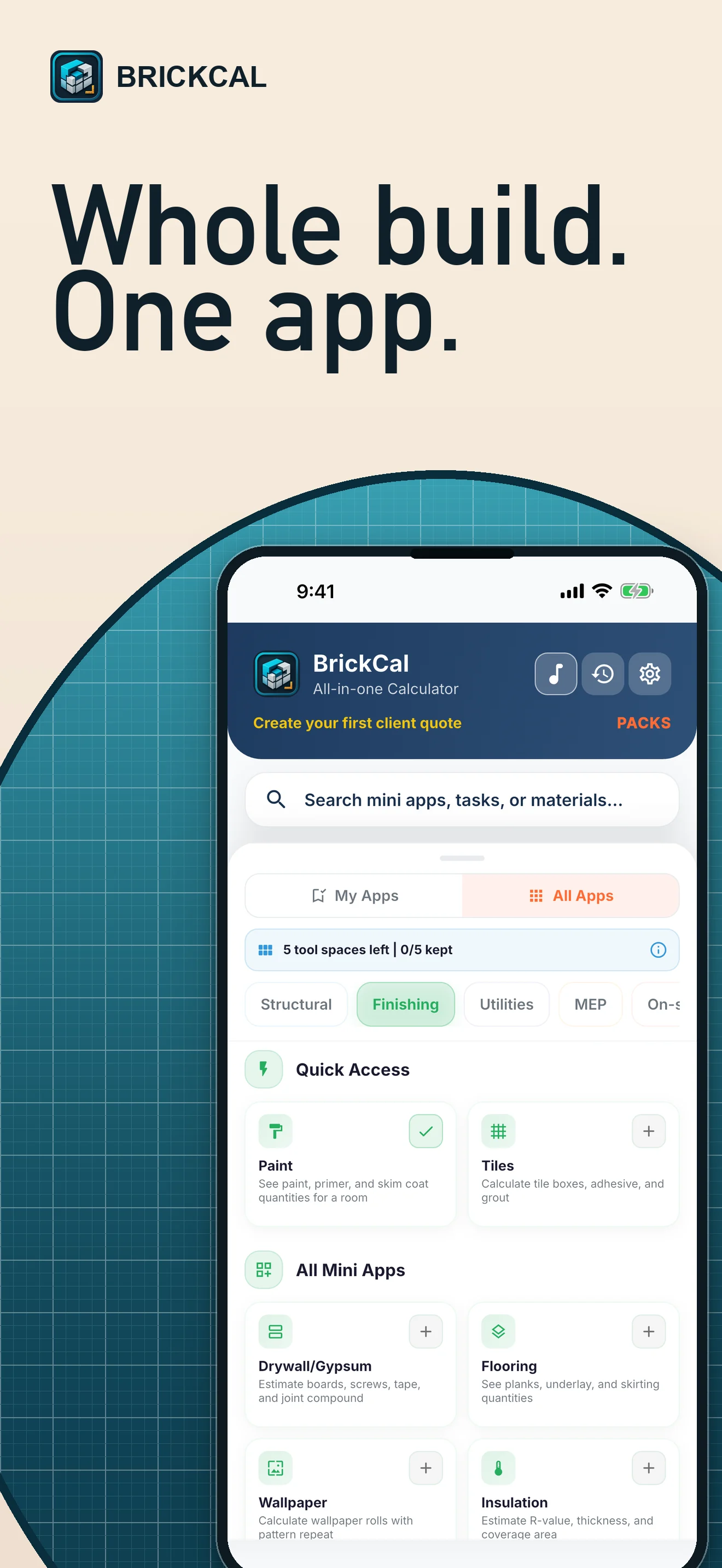
PLATE 02 · Find the tool
The whole build stays within reach.
Browse more than 60 calculators and supported jobsite tools across materials, trades, measurements, and project tasks.
Find the tool · BrickCal for iPhone -
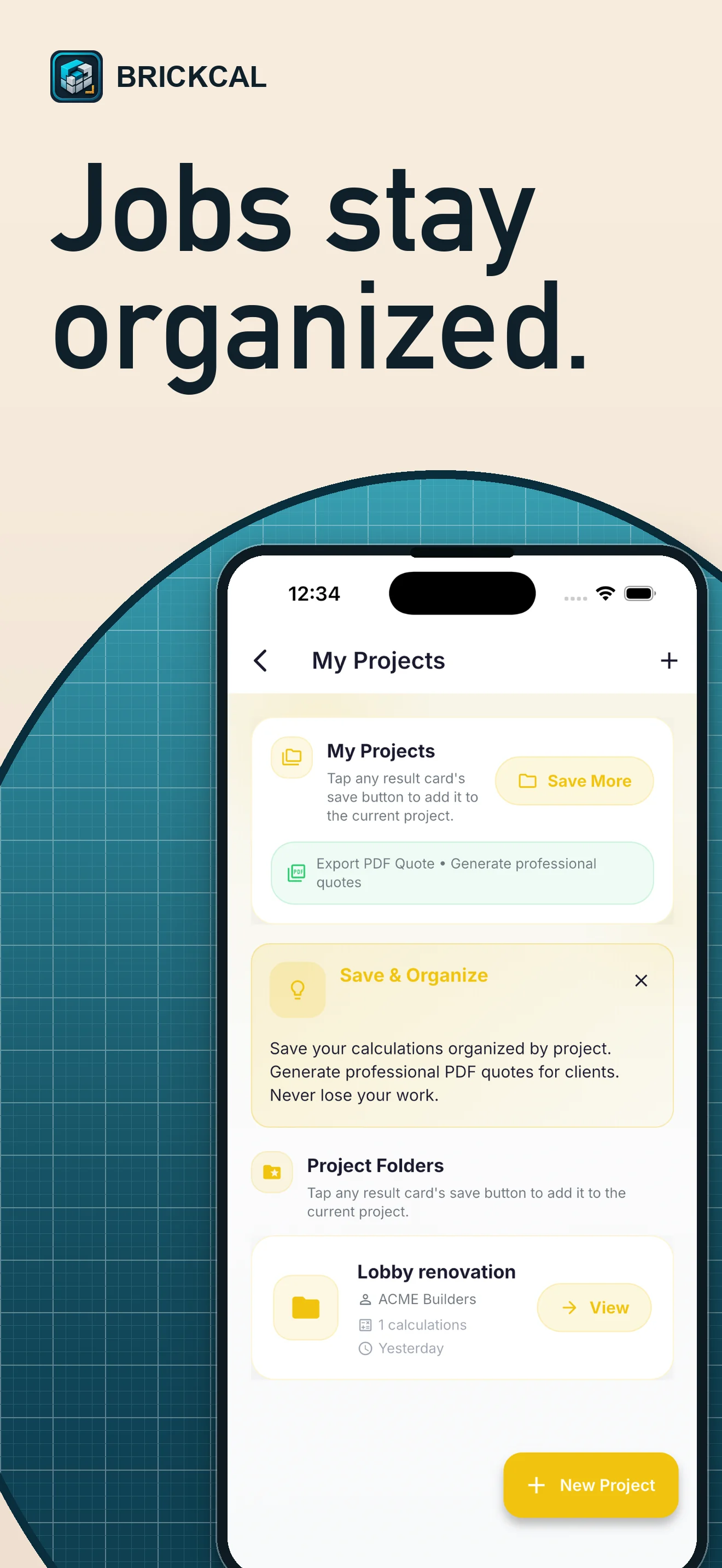
PLATE 03 · Organize
Jobs stay named, saved, and ready to resume.
Keep project calculations and history together so the next site visit starts with context instead of a blank calculator.
Organize · BrickCal for iPhone -
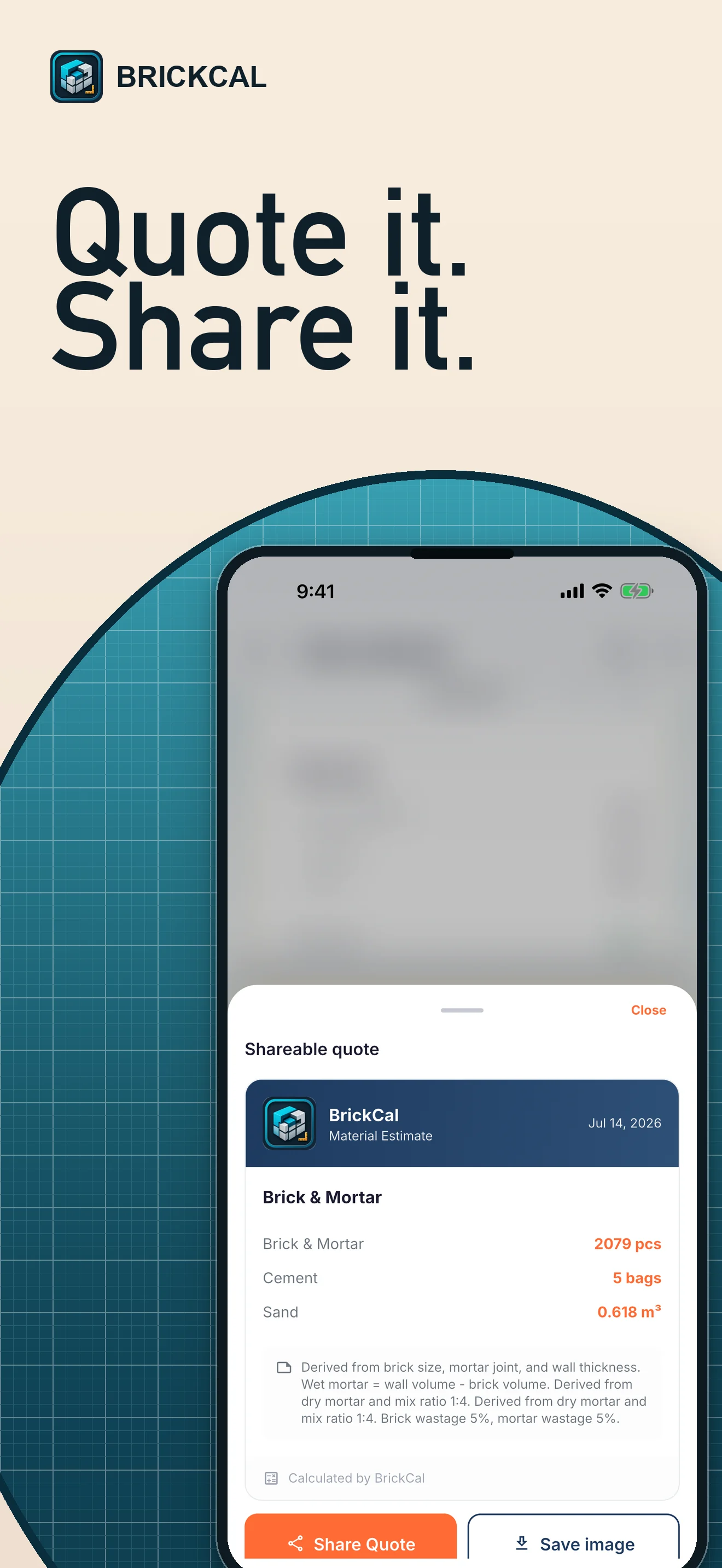
PLATE 04 · Quote and share
Turn the estimate into a client-ready document.
Prepare structured PDF quotes and reports that are easier to review, share, and keep with the job record.
Quote and share · BrickCal for iPhone -
PLATE 05 · Check on site
Use the phone as a practical field companion.
Supported devices can access tools such as a bubble level, inclinometer, compass, protractor, surface level, and noise meter.
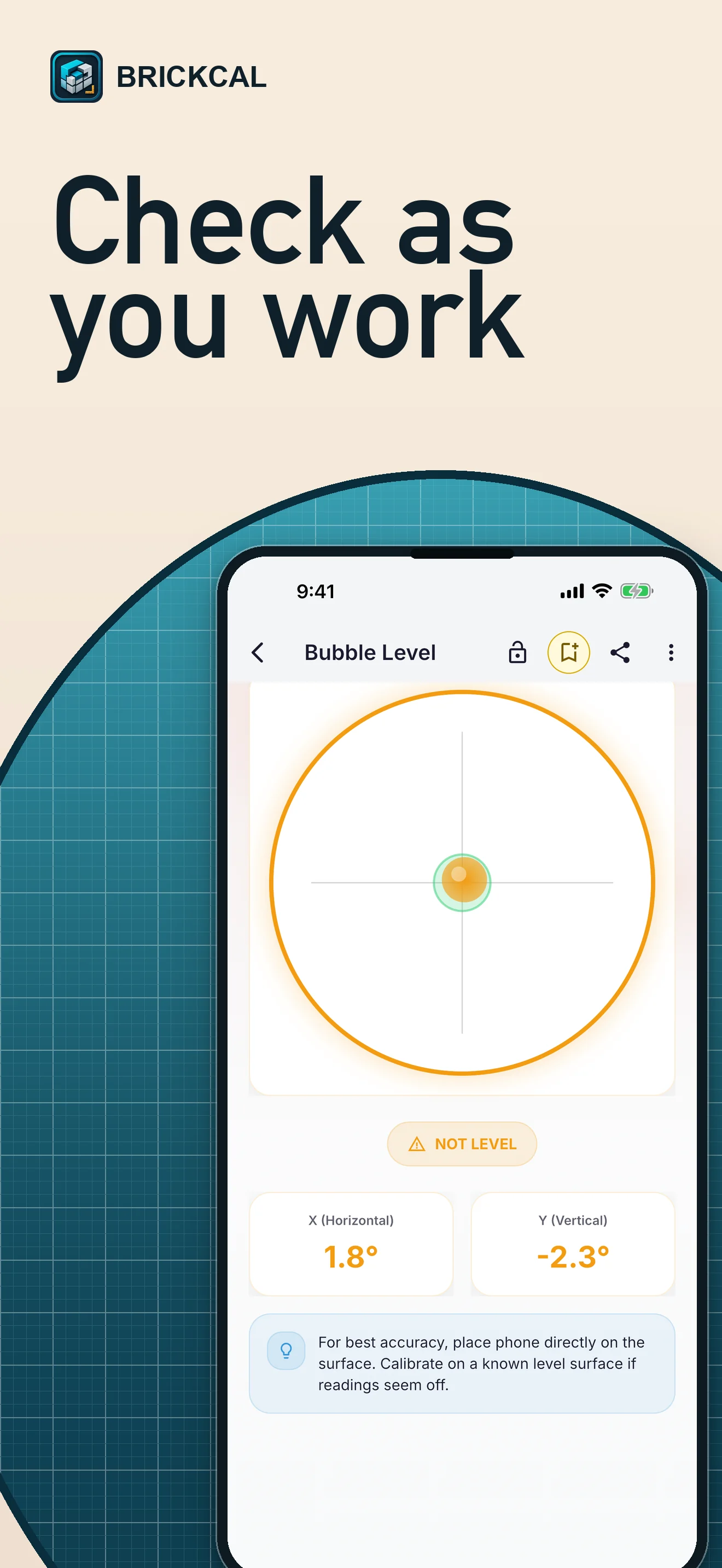
Check on site · BrickCal for iPhone
CAPABILITY LEDGER · A—E
One working set for the jobsite.
Practical outputs stay connected to the project that produced them.
- A Estimate materials
Calculators for construction quantities, dimensions, trades, and common site work.
- B Keep project context
Save calculations, project records, and work history for the next visit.
- C Prepare documents
Create structured PDF quotes and reports for clients and job records.
- D Work in your units
Use metric or imperial measurements without changing the job's intent.
- E Check conditions on site
Use supported device tools such as level, inclinometer, compass, and noise meter.
FIELD GUIDES · SEARCH INTENT
Read the workflow before release.
Detailed guides connect calculator, project, PDF, unit, and jobsite-tool searches to verified BrickCal facts.
- 01 Construction Calculator App
See how BrickCal connects 60+ construction calculators and supported jobsite tools with saved work, projects, and reports.
- 02 Material Estimator and Saved Projects
Learn how BrickCal connects material estimates with named projects, saved calculations, and work history for later site visits.
- 03 PDF Construction Quotes and Reports
Understand how BrickCal turns reviewed construction estimates into structured PDF quotes and reports for sharing and records.
- 04 Metric, Imperial, and Jobsite Tools
Explore BrickCal's metric and imperial support plus supported on-device tools such as level, inclinometer, compass, and noise meter.
ANDROID ACCESS · BUILD 02
Install the signed Android build.
Google Play closed testing is not active yet. Download the signed universal APK for the current Android build; Play opt-in and install links remain disabled until the provider release is verified.
SHA-256 4c7742028af308b86021752f367b084b54c422301914e40646f5df1369f6dc64
Google Play opt-in and install links stay disabled until an active closed-test release is verified. The APK remains hosted as an immutable GitHub Release asset.
LOCAL-FIRST · PRIVACY
Your estimates stay useful without becoming marketing copy.
Ordinary estimates, saved work, preferences, and app state stay on your device by default. The full policy explains permissions, advertising consent, purchases, analytics, notifications, service providers, and deletion choices.